Cricut Maker 5 – What You Need to Know
Cricut just released the Cricut Maker 5, the latest craft machine in its top-of-the-line series. Cricut Maker 5 works with more tools and materials than any Cricut machine to date. I got an advanced look at the Maker 5 to share my first impressions and project ideas. I think you’ll be excited to see all it can do!
Thanks to Cricut for providing this machine for this review. All opinions expressed are my own. This post contains affiliate links, and I will be compensated if you make a purchase after clicking on my links. For more information, please see my disclosures.
What is a Cricut Maker?
The Cricut Maker 5 is the 4th version of the Cricut Maker series, following the original Cricut Maker in 2017, the Maker 3, and the Maker 4. This machine is compatible with 13 different tools, allowing you to write, cut, score, engrave, deboss, emboss, foil, and perforate over 300 different materials. Like all new product launches, it adds even more capabilities, which I’ll highlight below!
The Maker 5 is available in slate blue and teal (only at Michaels), and it will be sold exclusively at Michaels from Sept. 4-17, 2026.
Watch this Guide on YouTube
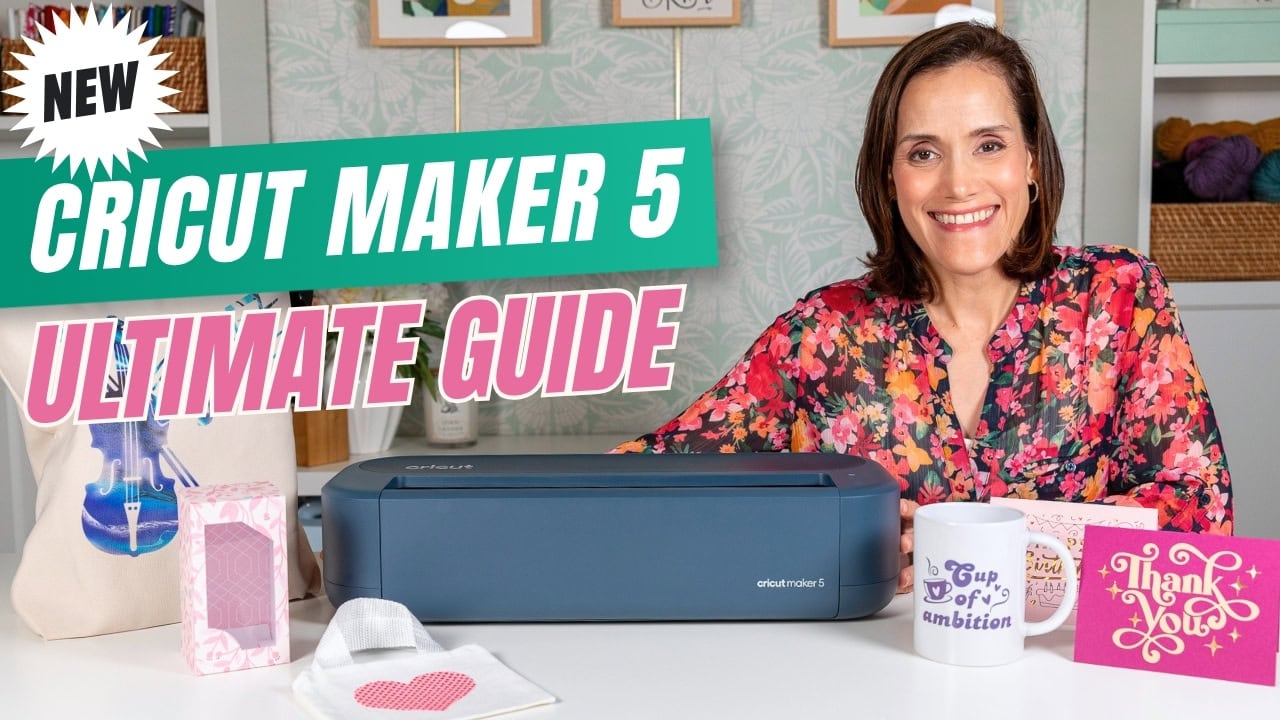
The Maker series is the most advanced Cricut crafting machine for hobbyists, followed by the Explore Series, Joy Xtra, and Joy series. Cricut also makes a larger machine called the Cricut Venture, which is primarily for small business use and large-scale projects.
Cricut Buying Guide
- Cricut Joy or Joy 2: The Joy is perfect for small spaces and small crafting. If you want to make cards, labels, and decals (up to 4.5 in. wide), this machine is for you. The Joy 2 allows for printing and cutting stickers, too!
- Cricut Joy Xtra: Like the Cricut Joy, the Xtra offers a compact user experience. However, it can cut larger materials (up to 8.5 in. x 4 ft. with smart materials). The Xtra can use the popular “Print Then Cut” feature for projects like stickers.
- Cricut Explore 5: The Explore 5 is a versatile machine that can cut plenty of materials (over 100) and make sizeable projects like t-shirts or signs. It’s a great “middle of the road” option for most crafters.
- Cricut Maker 5: The Maker 4 is perfect for avid crafters and hobbyists. It cuts over 300 materials and includes features like debossing, engraving, and perforating (with blades sold separately).
- Cricut Venture: As the largest Cricut machine on the market, the Venture is intended for small business or large-format use, offering “commercial cutting and writing speeds.”
What can you make with a Cricut Maker 5?
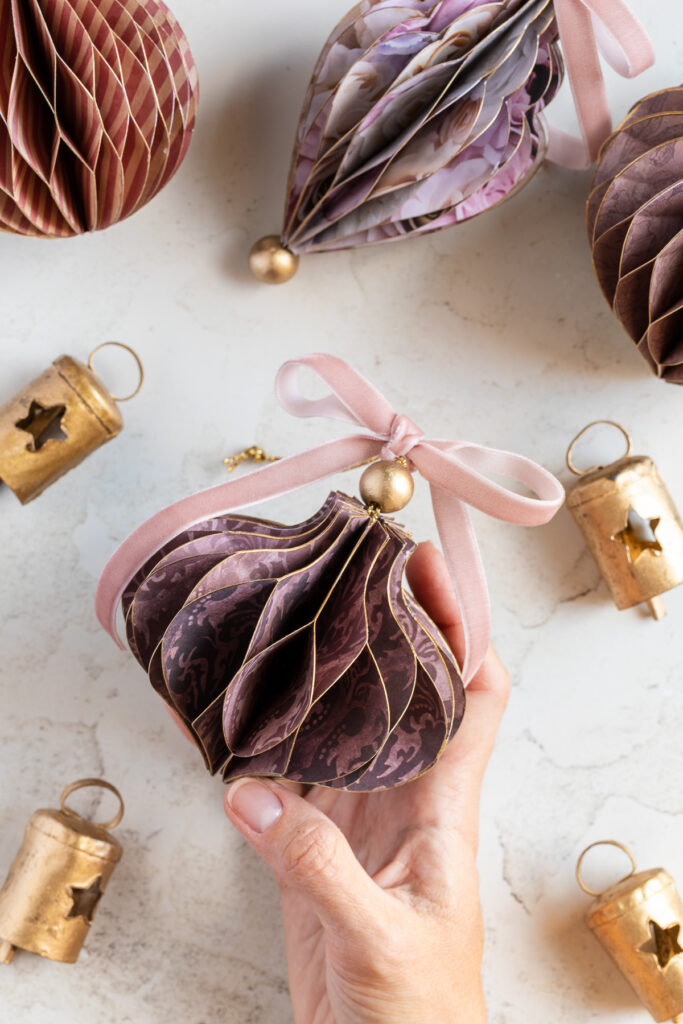
With the Cricut Maker 5, you can cut many types of materials to make unique craft projects, starting with a design you’ve created or one of the many projects offered in the software, Cricut Design Space.
The biggest upgrade with the Maker 5 is the ability to cut or engrave items up to 3mm thick, which is 25% thicker than prior models.
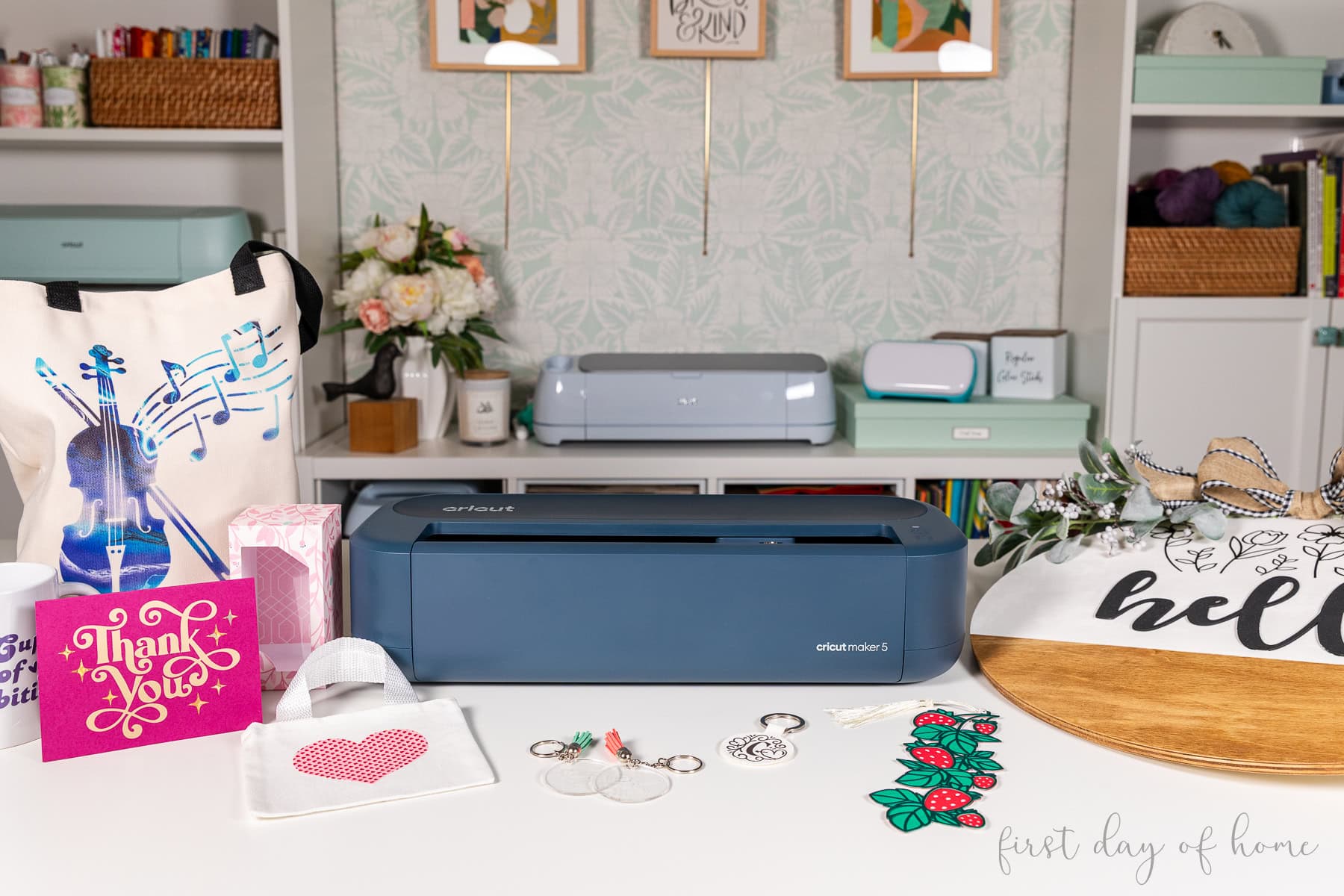
Cricut Maker 5 Compatible Materials
- Temporary/permanent vinyl
- Iron-on vinyl
- Cardstock
- Fabric
- Sticker paper
- Acetate
- Leather and faux leather
- Balsa wood
- Basswood
- Chip board
- Corrugated plastic
- Foam core board
- Metal (engraving only)
- Acrylic (engraving only)
- Plus many more!
You can cut these materials on a cutting mat (included with the machine), or you can use Smart Materials that don’t require a cutting mat.
Print Then Cut
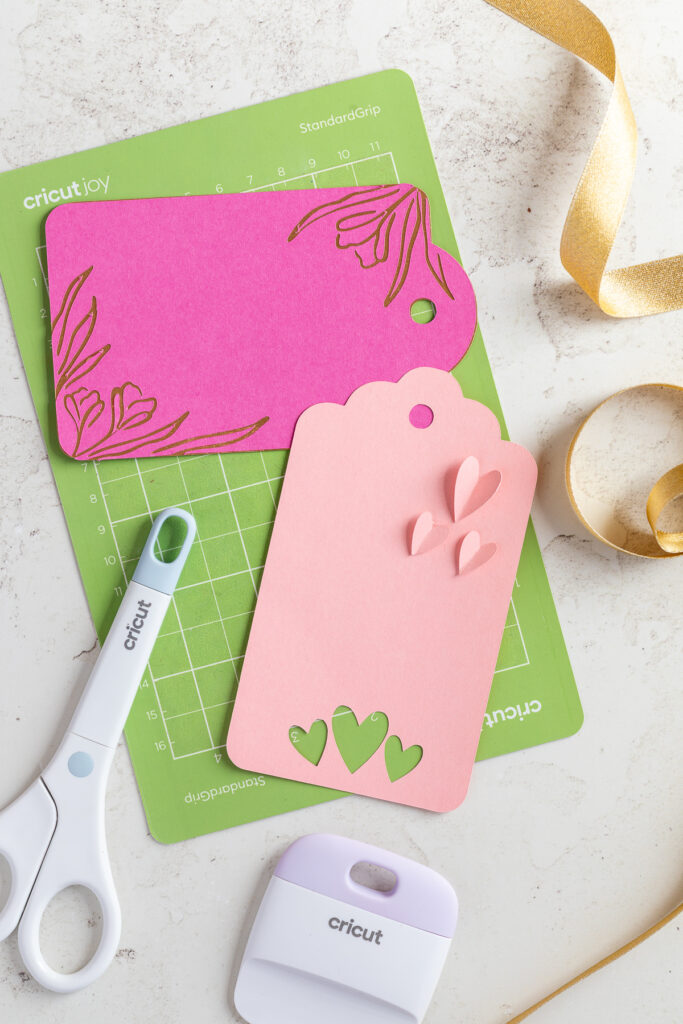
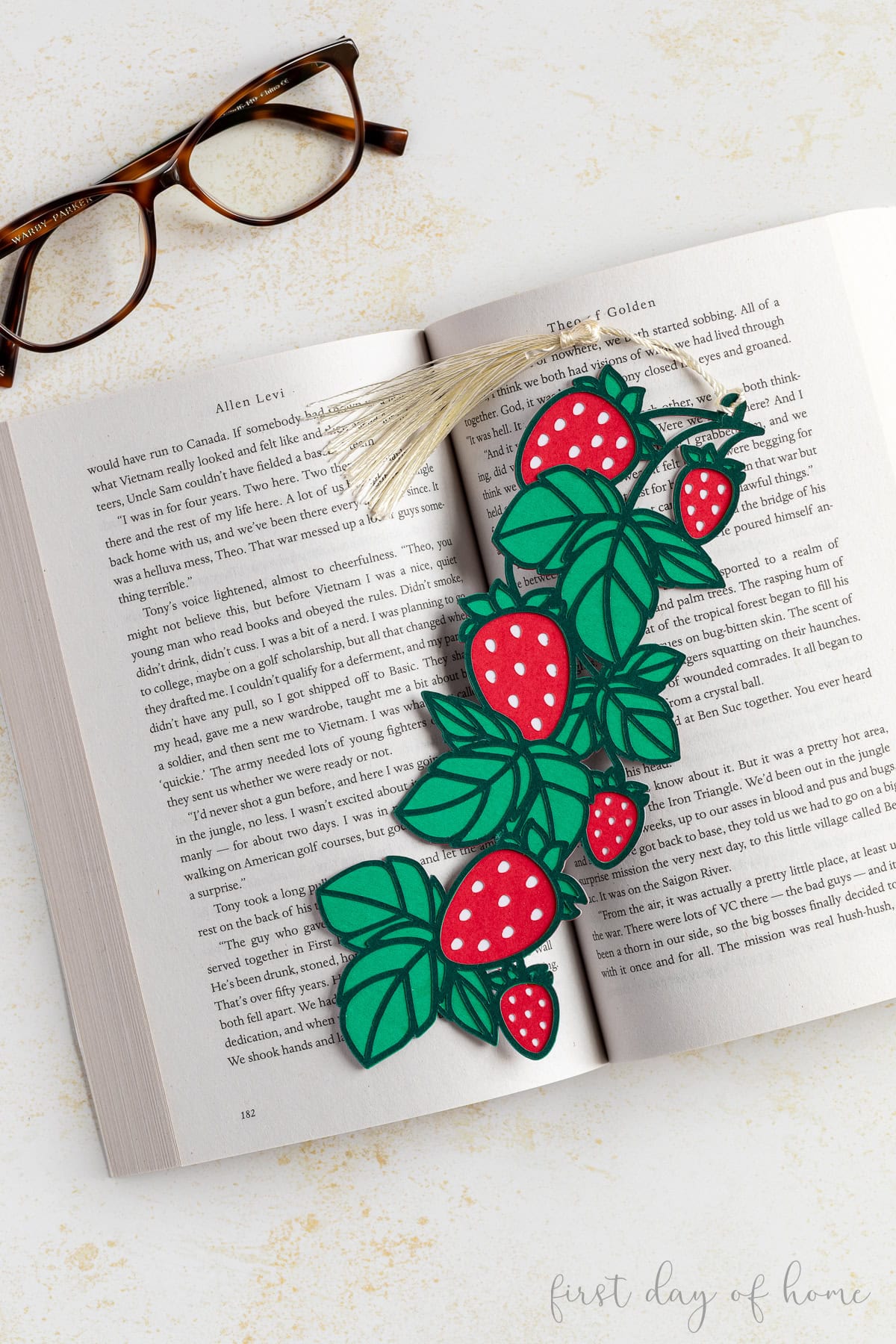
With Cricut’s Print Then Cut feature, you can also make custom stickers, labels, and gift tags using your home printer. There are plenty of images to choose from in Cricut Design Space, or you can upload your own designs. Learning how to make stickers is very easy, and Cricut has simplified the sticker-making process in the software.
Making Specialty Cards
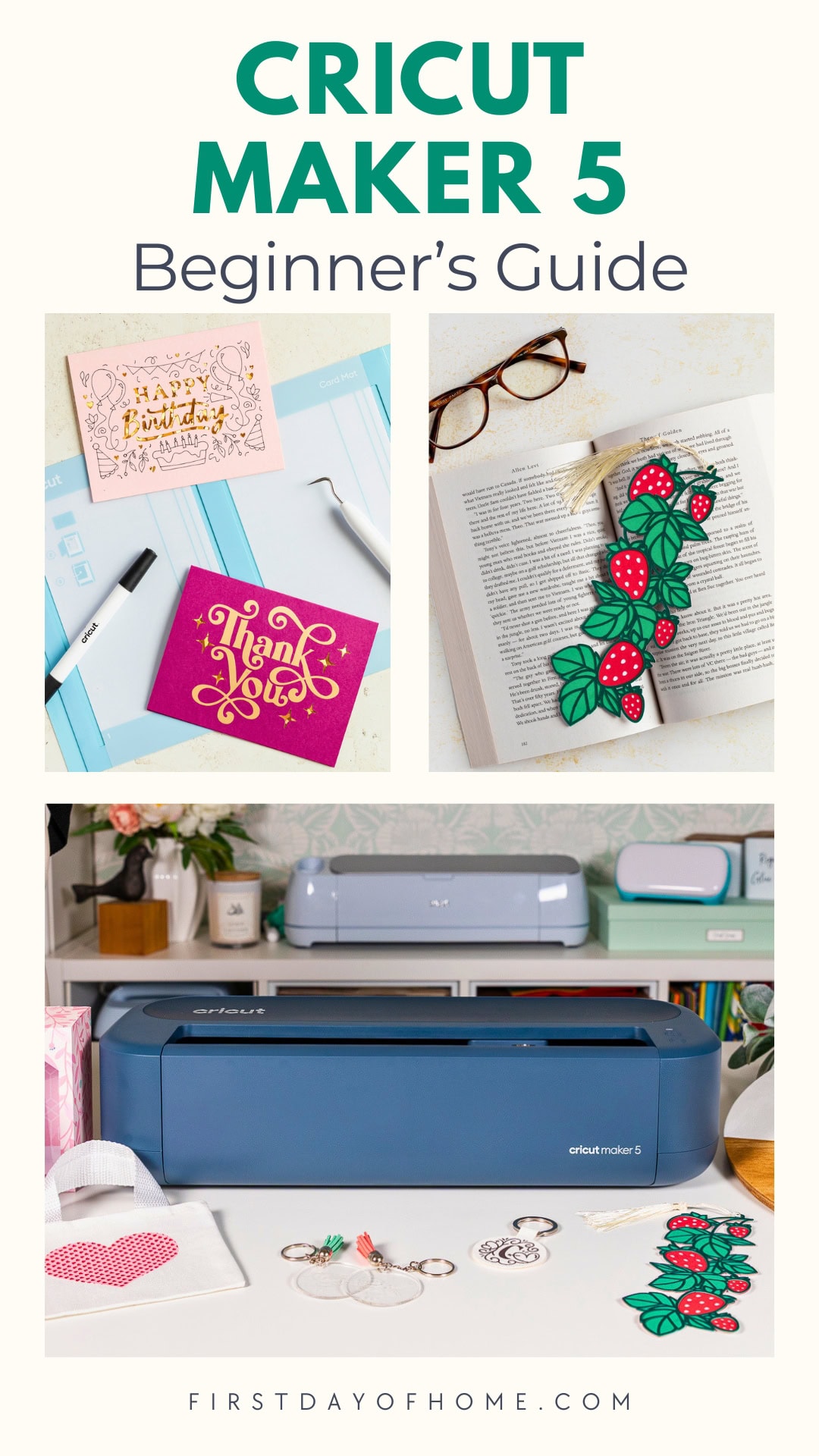
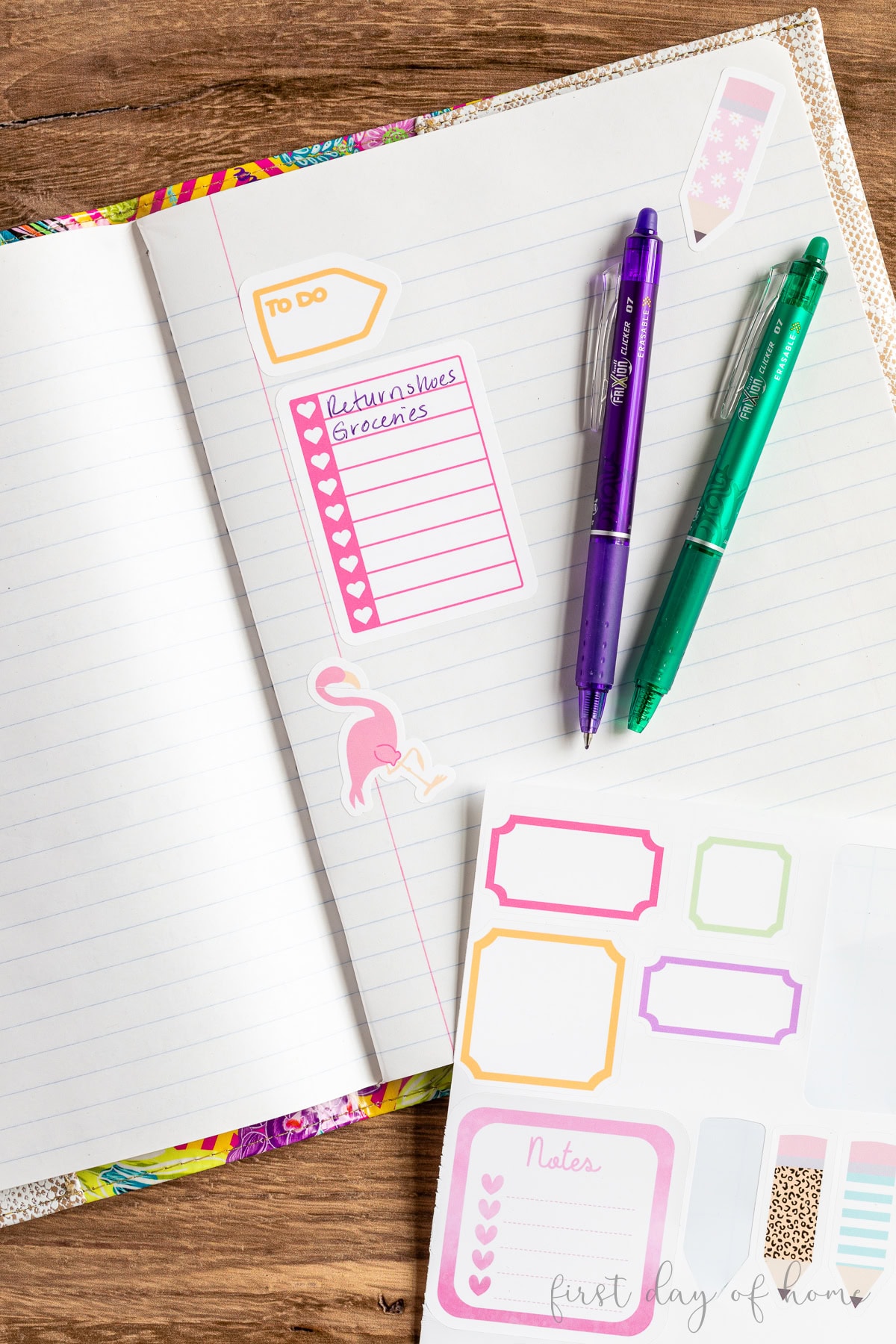
With the 2-Card Mat (included in some Maker 5 bundles), you can also create custom greeting cards in minutes. Cricut Design Space has templates to help format the design, and you can even combine operations like writing and foiling.
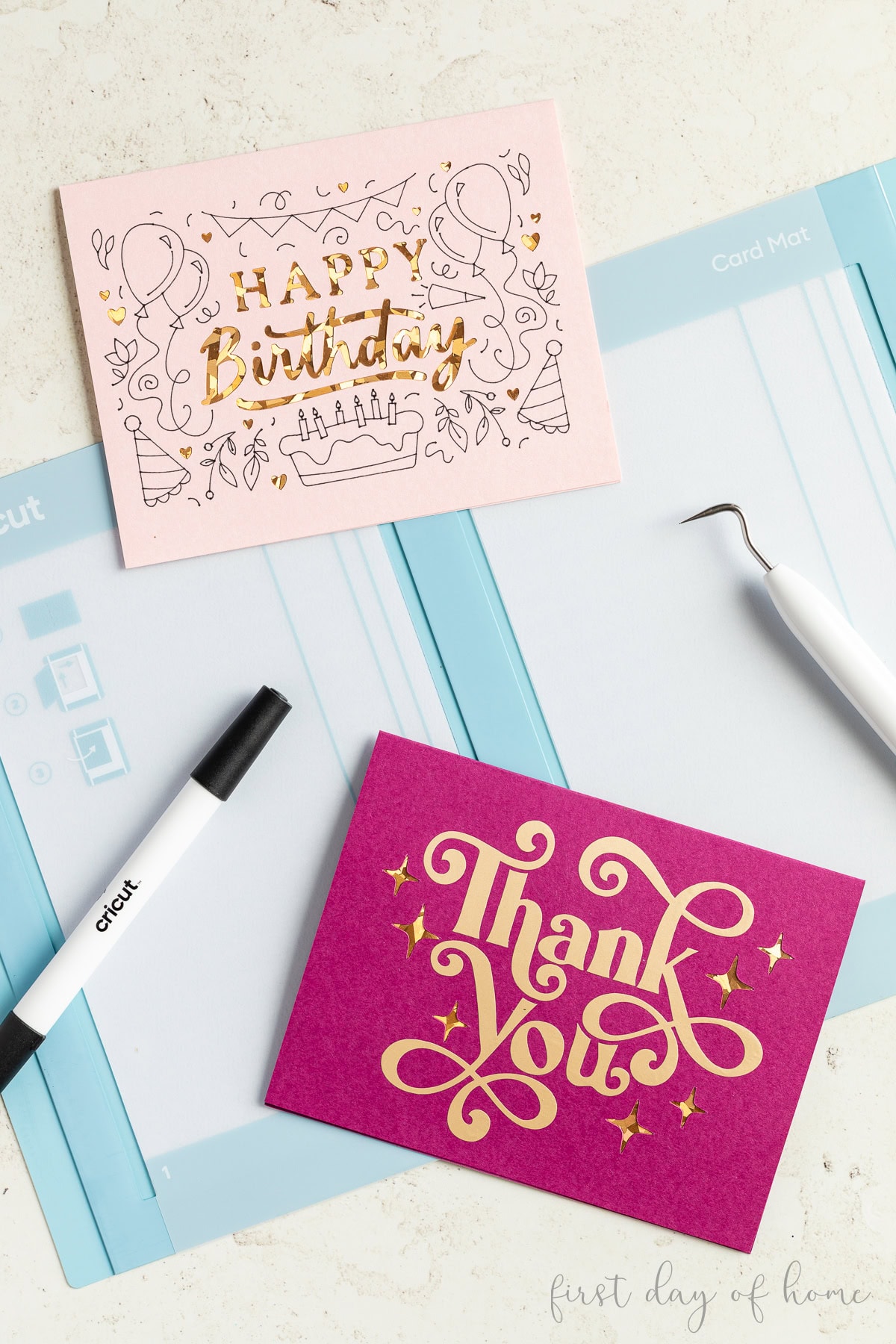
Visit my tutorial on Cricut Cards for Beginners for more details.
Engraving Thicker Materials
With the Cricut Maker 5, you can now engrave thicker materials more easily (up to 3mm thick), including metal and acrylic.
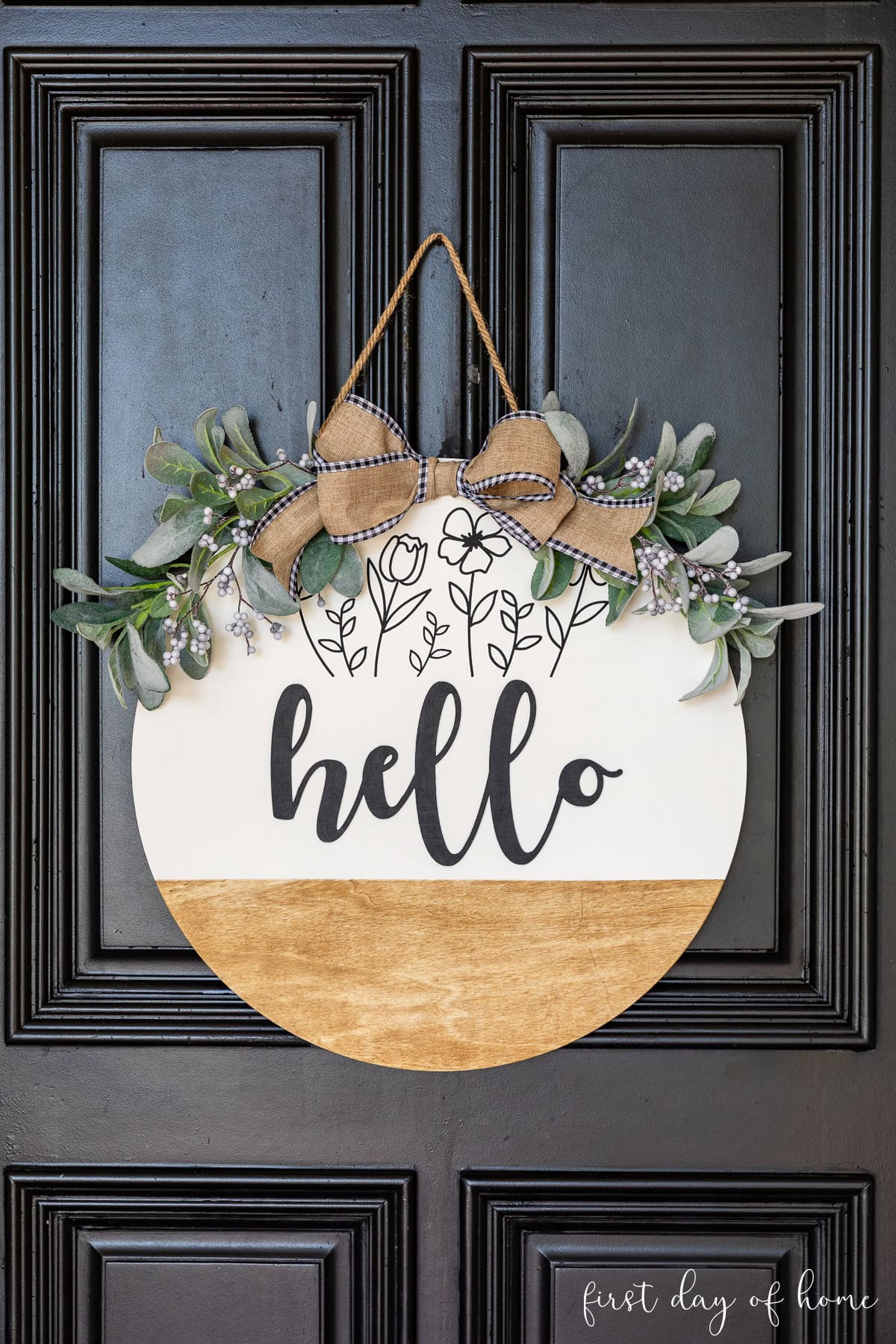
Using the knife blade, I cut basswood plywood for the “hello” cutout on the wooden door hanger below. I also combined Smart Iron-On Vinyl for the black flower details at the top.
What’s new about the Cricut Maker 5?
There are five major changes Cricut is introducing with the Cricut Maker 5.
- The Cricut Maker 5 is 30% smaller than prior models. This makes it more accessible for people limited on craft space.
- The machine includes fewer buttons, simplifying the user interface. There’s only one button to load and process an operation (Load and Go) and one button to unload the material. (You can also press the load button to pause an operation in progress.)
- Cricut Maker 5 has a new Snap-in Pen Holder, instead of a second clamp for pens/markers,
- The machine now cuts and engraves materials up to 3mm thick. This represents a 25% increase in clearance vs. the Maker 4, which cut up to 2.4mm thick. This opens up more possibilities with materials like wood, acrylic, corrugated plastic, and metal.
- Cricut Design Space (the included software) has a streamlined design process. You can now choose more project templates, remove backgrounds easily, preview your project, and use AI editing tools. (See more details below.)
Despite the smaller size, the Maker 5 can still cut materials up to 11.5 x 11.5 inches with a cutting mat and up to 11.7 in (29.7 cm) by 12 feet (3.6 m) using Smart Materials that don’t require a mat.
Cricut Maker 5 vs. Cricut Maker 4
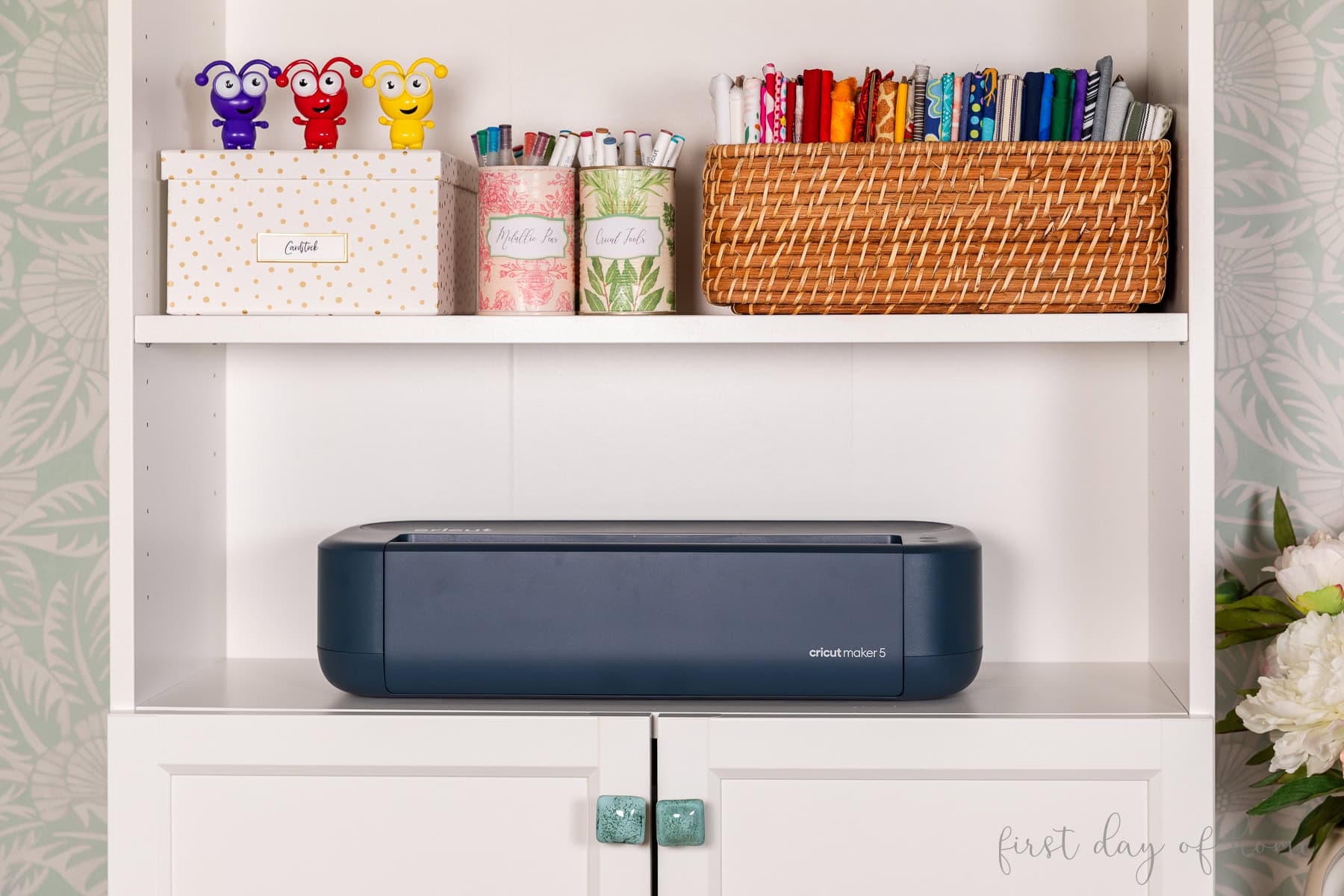
In addition to the changes mentioned above, the Cricut Maker 5 has a completely new look compared to the Maker 4. However, many of the features will look familiar if you’ve been a long-time Cricut crafter.
Do older Cricut cutting mats still work with the Maker 5?
Yes, the Maker 5 still uses the same size cutting mats as previous models. Existing Smart Materials are also still compatible with the Maker 5.
Do older Maker blades and tips still work with Cricut Maker 5?
Yes, older blades that were compatible with previous Maker models will still work with the Cricut Maker 5. This includes the Premium Fine-Point blade, Quick-Swap housing and tips, Rotary Blade, Knife blade, Deep-Point blade, Bonded Fabric blade, and Foil Transfer Tool.
However, some Maker 5 bundles include tools with a new, simplified look.
Do older Maker and Explore pens still work with Cricut Maker 5?
No. Pens, markers, and the scoring stylus from earlier models of the Maker/Explore series will not work with the new pen holder. The Maker 5 features a new “Snap-in Pen Holder” and slightly thicker pens and markers.
What does the Cricut Maker 5 come with?
The Maker 5 comes in 6 bundle options so you can choose the best option and price point for your needs. These bundles include more materials and value at each price point versus prior product launches.
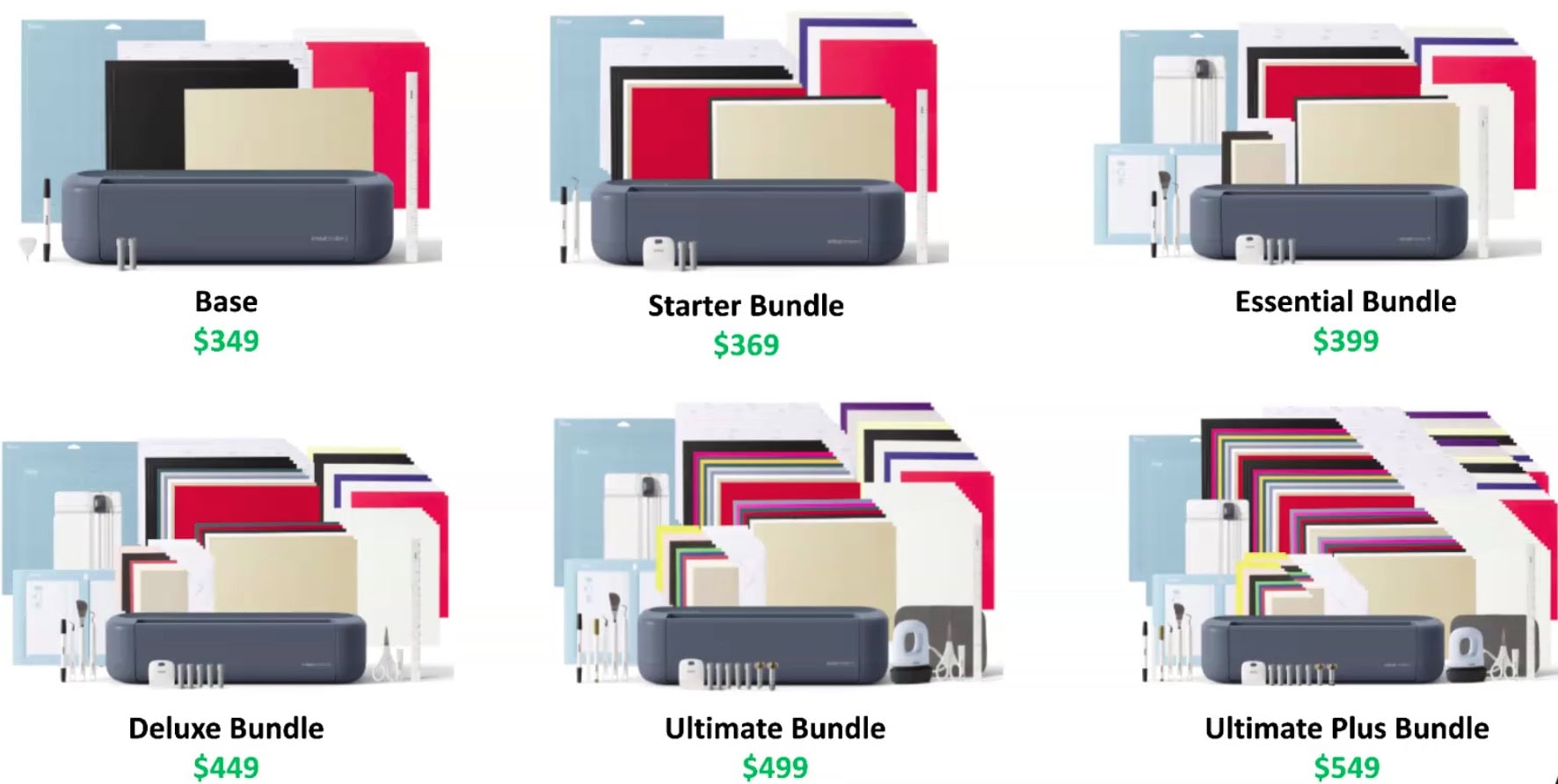
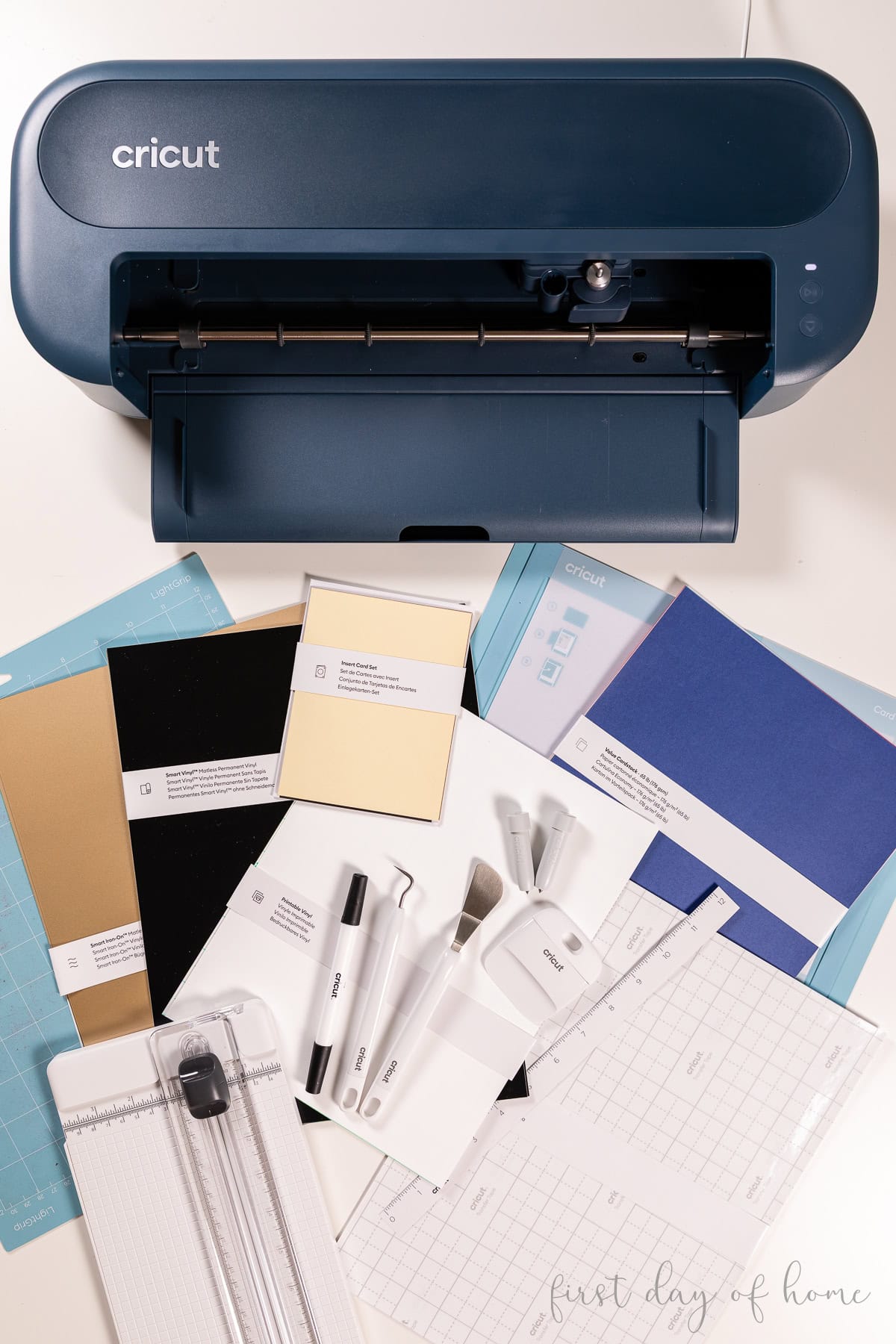
I received the Essential Bundle in slate blue. It came with enough materials to make 65 projects and included accessories like weeding tools, a portable trimmer, and a 2-card mat. The Base starts at $349, and the Ultimate Plus Bundle is $549.
Cricut Design Space Upgrades
With the launch of the Cricut Maker 5 come upgrades to Cricut Design Space, which is the software used to create and format your designs before processing them with your machine.
With a Cricut Access membership, you can have up to 2 million designs, fonts, and templates available, but you can also buy elements à la carte or choose from among many free design assets.
There are desktop and mobile versions of the software, and it’s compatible with iPhones, Android devices, iPads, Chromebooks, PCs and Macs.
The machine can connect to Cricut Design Space via a wired connection or via Bluetooth. The only caveat is that not all blades are compatible with a mobile device, so be sure to check for compatibility beforehand.
Cricut is really leaning into AI generation and tools to make the design process much smoother for creators. There are over 2 million images, templates, and fonts in the software, but you can always design your own or use the Create AI button to generate images with a prompt.
Auto-mirroring, auto-attach, and background remover are newer features designed to eliminate noise, distractions and potential pitfalls or mistakes.
Is the Cricut Maker 5 the right machine for you?
If you’re brand new to Cricut, you may find that the pricing of the bundles, smaller machine size, and simplified software make the machine more attractive.
Those upgrading from an older Maker machine will find that most blades and tools are still compatible, though earlier pens, markers, and the scoring stylus will not work with the Maker 5. The primary reason to upgrade is having the ability to cut or engrave materials up to 3mm thick. Check compatibility first if you have a specific material in mind.
Overall, the Maker 5 offers a streamlined design, simplified user interface, and the ability to process thicker materials than ever before. I can’t wait to make more projects with it!
Please leave a comment if you have more questions, and visit the tutorials below for more project ideas.

Pin it for later!